
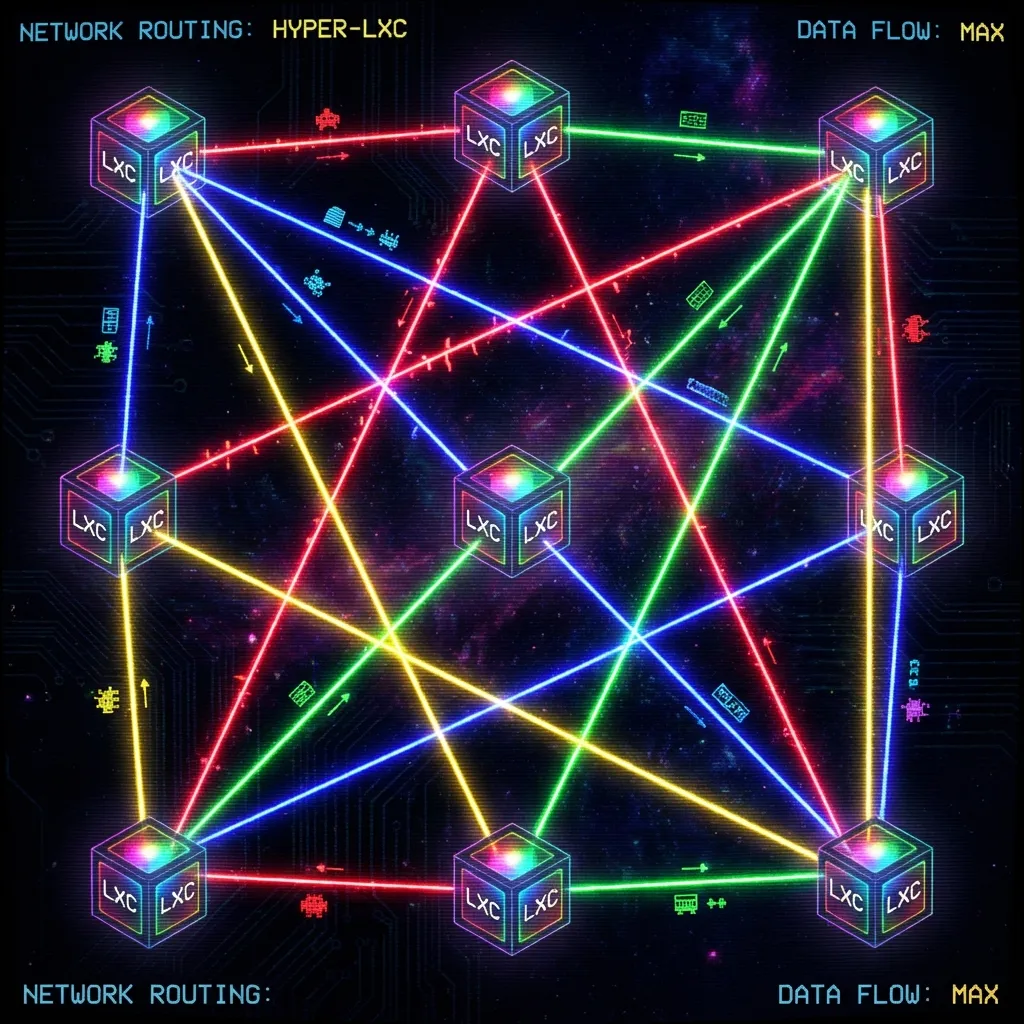
The Tailscale Revolution: From TeamViewer to Mesh Nirvana
Remote access has two completely different problems, and I spent years confusing them.
Problem 1: Helping family members with tech support. Mom can't print. Dad's browser is doing "the thing." The router needs a firmware update but nobody knows the admin password.
Problem 2: Accessing my own infrastructure remotely. SSH into the NAS. Check build swarm status. Debug a container that crashed at 3 AM.
I tried to solve both with the same tool. That was the mistake. This is the story of every remote access solution I've used over 12 years, why each one failed, and how I finally landed on a two-stack solution that handles everything.
The Remote Help Evolution
TeamViewer (2014-2018)
TeamViewer was fine. Until it wasn't.
The free tier started detecting "commercial use" — which apparently means "you use it more than once a month." Sessions would get terminated after 5 minutes with a message suggesting I purchase a $50/month license to help my mom print.
I was not going to pay $600/year to right-click a printer.
AnyDesk (2018-2022)
Switched to AnyDesk. Faster, lighter, fewer false commercial-use detections. But the security model was questionable — AnyDesk's servers got breached in early 2024, and the whole "your remote desktop traffic goes through our servers" model suddenly felt less appealing.
RustDesk (2022-present)
Self-hosted. Open source. Relay server optional but available.
RustDesk solved the remote help problem completely. Install the client on family machines, connect from anywhere, no third-party server required. If I want lower latency, I run my own relay. If I don't, direct connections work fine over the internet.
The "help mom print" problem is solved. Forever.
The Infrastructure Access Evolution
This one took longer.
Port Forwarding with Dynamic DNS (2016-2020)
The naive approach. Open port 22 on the router, point a dynamic DNS hostname at it, SSH in from anywhere.
It worked. It also meant my SSH port was exposed to the entire internet.
# What my auth.log looked like
Failed password for root from 185.234.xxx.xxx port 43210 ssh2
Failed password for root from 185.234.xxx.xxx port 43211 ssh2
Failed password for root from 185.234.xxx.xxx port 43212 ssh2
# ...thousands more
Brute force attempts. Constantly. From everywhere. I hardened SSH (key-only, fail2ban, non-standard port), but the attack surface existed. Every open port is an invitation.
WireGuard (July-August 2025)
WireGuard is technically superior. Fast, modern cryptography, minimal attack surface. The kernel module is elegant.
The operational overhead is not.
Every peer needs manual configuration. Every new device needs a new key pair, a new config block on the server, a new AllowedIPs entry. Change the server's IP? Update every client. Add a device? Touch the server config and restart.
Then I hit CGNAT. My ISP started putting connections behind carrier-grade NAT. No public IP. Port forwarding impossible. WireGuard needs at least one publicly-reachable endpoint.
Two months of fighting WireGuard. It worked beautifully when it worked. Getting it to work was the problem.
Tailscale (November 2025-present)
Tailscale wraps WireGuard in a coordination layer that handles everything I was doing manually. NAT traversal (including CGNAT), key distribution, peer discovery, ACLs.
The first time I installed Tailscale on two machines and they could see each other — through double NAT, across ISPs, without touching a single router config — I understood why people won't shut up about it.
The Mesh Network
Two physical locations:
Milky Way (my house, 10.42.0.0/24) — Workstation, Proxmox (Izar-Host), Altair-Link, build swarm orchestrator
Andromeda (the remote site, 192.168.20.0/24) — Proxmox (Tarn-Host), Unraid (Meridian-Host), Synology (Cassiel-Silo), media services
Connected by Tailscale mesh. Every machine on both networks can reach every other machine by Tailscale IP — regardless of which subnet they're physically on, regardless of NAT, regardless of whether either ISP decides to change IP addresses.
Subnet Routing
Not every device can run Tailscale. The NAS, printers, IoT devices, legacy hardware — they just need to be reachable.
Tailscale's subnet routing solves this. Designate a machine as a subnet router, advertise the local subnet, and every Tailscale node can reach devices on that subnet through the router.
# On Altair-Link (Milky Way subnet router)
tailscale up --advertise-routes=10.42.0.0/24

# On Tarn-Host (Andromeda subnet router)
tailscale up --advertise-routes=192.168.20.0/24
Now my laptop at a coffee shop can reach the Synology NAS at the remote site. The traffic goes: laptop → Tailscale → Tarn-Host → Synology. No ports opened anywhere.
ACLs with Auto-Approvers
Manual route approval means clicking a button in the Tailscale admin console. At 2 AM, when something breaks, I don't want to click buttons.
{
  "autoApprovers": {
    "routes": {
      "10.42.0.0/24": ["tag:subnet-router"],
      "192.168.20.0/24": ["tag:subnet-router"]
    }
  },
  "tagOwners": {
    "tag:subnet-router": ["autogroup:admin"],
    "tag:server": ["autogroup:admin"],
    "tag:drone": ["autogroup:admin"]
  },
  "acls": [
    { "action": "accept", "src": ["tag:server"], "dst": ["*:*"] },
    { "action": "accept", "src": ["tag:drone"], "dst": ["tag:server:*"] }
  ]
}
Tags define roles. Roles define access. No manual approval clicks.
The Hard Parts
Everything above sounds clean. It wasn't. Here are the three problems that took the most time to solve.
Problem 1: LXC Container Routing
The build swarm runs in Proxmox LXC containers. When a request comes in through Tailscale to reach an LXC container, the response packet doesn't go back through Tailscale — it goes through the container's default gateway (the Proxmox host's bridge interface).
Asymmetric routing. The request comes in one door, the response goes out another. Firewalls hate this.
The fix requires four pieces:
# 1. Enable IP forwarding on the Proxmox host
echo 1 > /proc/sys/net/ipv4/ip_forward

# 2. Disable reverse path filtering (or it drops the "wrong door" packets)
echo 0 > /proc/sys/net/ipv4/conf/all/rp_filter

# 3. Create a custom routing table for Tailscale traffic
ip rule add from 100.64.0.0/10 lookup tailscale priority 5000
ip route add default via <tailscale_gateway> table tailscale

# 4. SNAT masquerade so return traffic uses the right source IP
iptables -t nat -A POSTROUTING -o tailscale0 -j MASQUERADE
The full traffic flow for a request from my laptop to an LXC container:
- Laptop → Tailscale network
- Tailscale → Proxmox host (subnet router)
- Proxmox host → veth bridge → LXC container
- LXC container responds → veth bridge → Proxmox host
- Proxmox host → custom routing table → Tailscale
- Tailscale → Laptop
Seven hops. All invisible to the user. All requiring exactly the right routing rules or the packet gets dropped somewhere in the middle.
Problem 2: Unraid Bare-Metal Tailscale
Unraid's boot drive is FAT32. FAT32 doesn't support Unix permissions. Tailscale needs execute permissions and Unix sockets.
Solution: copy Tailscale binaries to RAM at boot, persist auth state to the flash drive.
# /boot/config/go (Unraid startup script)
# Copy tailscale binaries from flash to RAM
cp /boot/config/tailscale/tailscaled /usr/local/bin/
cp /boot/config/tailscale/tailscale /usr/local/bin/
chmod +x /usr/local/bin/tailscale*

# Start with persistent state directory
/usr/local/bin/tailscaled \
  --state=/boot/config/tailscale/tailscaled.state \
  --socket=/var/run/tailscale/tailscaled.sock &

sleep 5

# Authenticate and advertise routes
/usr/local/bin/tailscale up \
  --advertise-routes=192.168.20.0/24 \
  --accept-routes
Then the routing trap: when Unraid connects to Tailscale and learns routes for its own subnet through Tailscale, local traffic tries to go through the mesh instead of the local network.
# Force local subnet traffic to use the local interface
ip rule add to 192.168.20.0/24 lookup main priority 5200
Without this rule, the Proxmox host (192.168.20.100) can't SSH to Unraid (192.168.20.50) even though they're on the same switch. The packets go Proxmox → Tailscale → back to Unraid, and the asymmetric path breaks everything.
Problem 3: Gentoo OpenRC Persistence
On Gentoo (my workstation), tailscale up --netfilter-mode=off doesn't persist across reboots because OpenRC doesn't have systemd's unit dependency system.
The workaround:
#!/bin/bash
# /etc/local.d/tailscale.start
sleep 10  # Wait for network
tailscale up --netfilter-mode=off --accept-routes
The 10-second sleep is ugly but necessary. Without it, Tailscale tries to start before the network interfaces are up and silently fails.
Persistence Scripts
All the routing hacks need to survive reboots. This script runs on network-up:
#!/bin/bash
# /etc/network/if-up.d/tailscale-routes

# Only run once (idempotent)
if ip rule show | grep -q "5000:"; then
  exit 0
fi

# Custom routing table for Tailscale
ip rule add from 100.64.0.0/10 lookup tailscale priority 5000

# Masquerade (check before adding)
if ! iptables -t nat -C POSTROUTING -o tailscale0 -j MASQUERADE 2>/dev/null; then
  iptables -t nat -A POSTROUTING -o tailscale0 -j MASQUERADE
fi
Testing Protocol
Four tests that must pass before I consider the mesh stable:
- Local traffic stays local: Ping from Proxmox host to Unraid, verify packets use eth0 not tailscale0
- Remote subnet routing: From laptop on coffee shop WiFi, SSH to a device on the Andromeda subnet
- LXC container access: From Milky Way, curl an API running in an Andromeda LXC container
- Reboot persistence: Reboot the subnet router, verify all routes and rules come back automatically
All four pass. Consistently. Even after kernel updates and package rebuilds.
The Result
| Before | After |
|---|---|
| 3 open ports on the router | 0 open ports |
| Dynamic DNS that breaks monthly | Stable Tailscale IPs |
| Can't reach behind CGNAT | Full mesh regardless of NAT |
| Manual peer management | Auto-discovery |
| No remote access to LXC containers | Full access through subnet routing |
| "Is the port forwarding still working?" | It just works |
The routing hacks aren't clean networking. The persistence scripts are ugly. The LXC container workaround requires four separate configuration changes that all have to be exactly right.
But it works. Reliably. Through ISP changes, power outages, kernel updates, and the thousand small things that break traditional VPN setups.
Two stacks: RustDesk for helping family. Tailscale for infrastructure. Years of remote access pain, finally resolved.
Related: Securing the Milky Way with Cloudflare Tunnels — the other half of the network security story.