
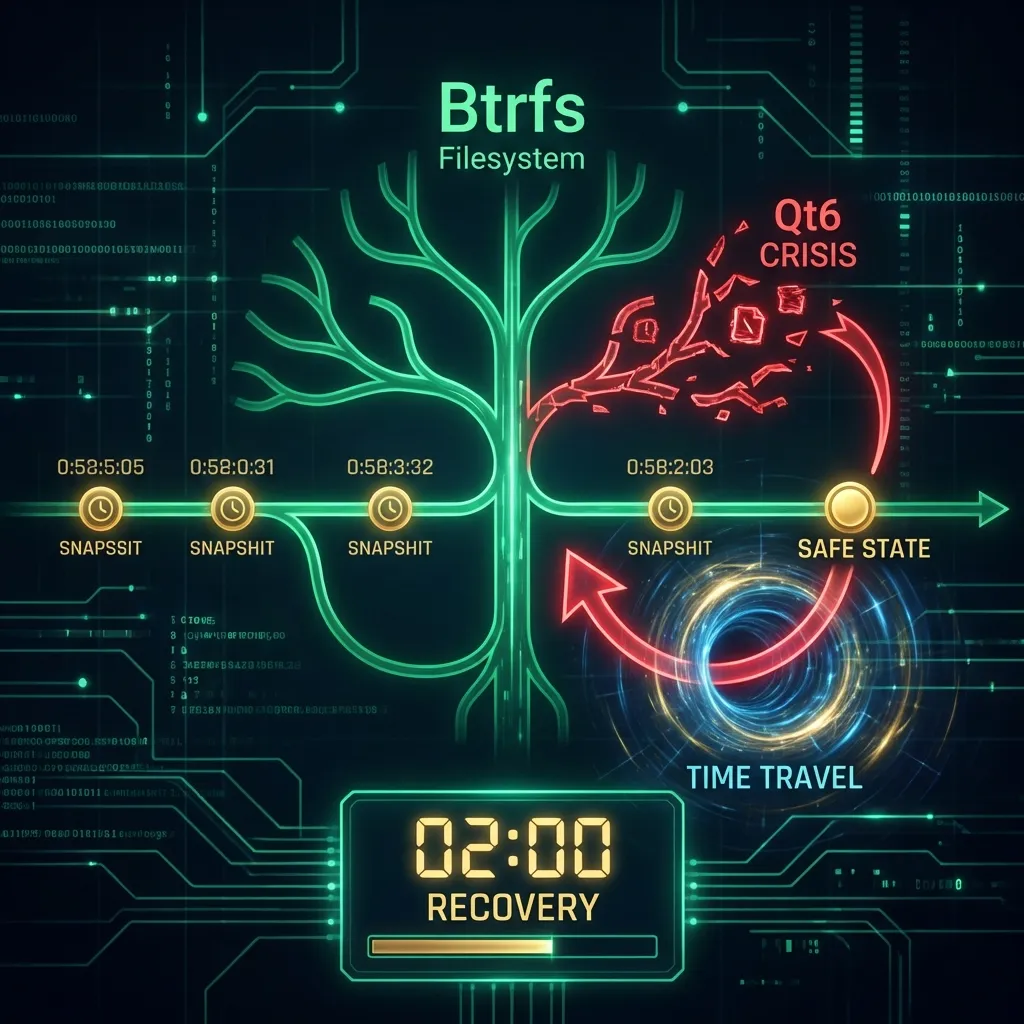
The Argo OS Journey - Part 2: The Qt6 Crisis
November 21, 2025
It is an unwritten rule of Linux: The system is most likely to break exactly when you feel most confident in it.
I had just finished setting up the binhost. My compilation server was churning out binary packages—1,124 of them, sitting pretty at 28.3GB. My desktop was pulling them down in seconds instead of hours. Documentation was written. I was feeling superior to every Arch user on the planet.
Then I ran emerge --update @world.
The Black Screen of Death
The update seemed benign. Some Qt libraries, elogind, a few KDE Frameworks updates. Standard stuff.
I rebooted.
SDDM Login Screen. So far, so good.
I typed my password. Enter.
Black screen. Cursor appears.
...
SDDM Login Screen.
I tried again. Same loop. My desktop had become a very expensive screensaver.
The Debugging Session
I switched to TTY2 (Ctrl+Alt+F2) and logged in via console. At least text mode still worked.
First, the logs:
cat /var/log/sddm.log | tail -50
The output told the story:
Nov 21 22:42:15 sddm-helper[1234]: pam_unix(sddm:session): session opened for user
Nov 21 22:42:15 sddm-helper[1234]: Starting: "/usr/bin/startplasma-wayland"
Nov 21 22:42:16 sddm-helper[1234]: [PAM] Closing session
Nov 21 22:42:16 sddm-helper[1234]: pam_unix(sddm:session): session closed for user
Session opened. Session closed. One second later. KDE wasn't crashing—it was quitting.
Something was telling it to die immediately after startup.
Down the Dependency Rabbit Hole
I dug deeper. KWin logs:
cat ~/.local/share/sddm/wayland-session.log | grep -i kwin
kwin_wayland: Could not register login session
kwin_wayland: Authentication request denied
kwin_wayland: Session registration failed, exiting
Session registration. That's elogind territory.
rc-status | grep elogind
elogind [ started ]
It was running. But was it actually working?
loginctl list-sessions
SESSION  UID  USER      SEAT  TTY
      2  1000 user      seat0 tty2
I had a session on TTY2. But no graphical session was being created. The authentication daemon was rejecting KDE's requests.
The Root Cause
After 45 minutes of log diving, I found it. The elogind package had updated from 255.4 to 255.5. This new version had a slightly different D-Bus API.
KDE's kwin_wayland was linked against Qt6 libraries that expected the old elogind ABI. When kwin tried to register a session, elogind said "I don't understand that request" and denied it.
The dependency chain of failure:
elogind-255.5 updated (new D-Bus API)
    → Qt6 libraries expect old API
        → KWin can't register session
            → Authentication denied
                → KDE exits immediately
                    → SDDM shows login screen again
A single version bump. Cascading failure.
In a traditional setup, I would now spend the next 4-6 hours:
- Masking package versions
- Downgrading elogind
- Recompiling 50 dependencies to find the working combination
- Probably breaking something else in the process
- Questioning my life choices
The Magic Trick
I looked at the clock. 10:42 PM.
I had work in the morning. I was tired. And I remembered something.
I have snapshots.
snapper list
 # | Type   | Pre # | Date                          | Description
---+--------+-------+-------------------------------+----------------------------
 0 | single |       |                               | current
38 | single |       | Wed Nov 21 21:30:00 2025      | timeline
39 | single |       | Wed Nov 21 22:00:00 2025      | Before emerge @world
40 | single |       | Wed Nov 21 22:15:00 2025      | After emerge @world
Snapshot 39. "Before emerge @world." Created automatically by my Portage hooks.
I rebooted.
At the GRUB menu, I scrolled down past "Gentoo Linux".
I selected: Gentoo Linux (Snapshot 39) - Before emerge @world
The system booted. SDDM appeared. I typed my password.
The Desktop loaded.
I looked at the clock. 10:44 PM.
Two minutes. I had just recovered from a critical system-breaking update in two minutes.
What Just Happened
Let me explain what Snapper and grub-btrfs did here:
- Before the update: My Portage bashrc hook automatically created snapshot 39
- After the update: Another hook created snapshot 40
- When I selected snapshot 39 from GRUB: The system booted into that read-only snapshot
- Everything worked: Because I was running the pre-update state
The update never happened. From the system's perspective, it was still November 21st, 10:30 PM.
Making It Permanent
Booting into a snapshot is read-only by default. To make it permanent:
snapper rollback 39
This:
- Creates a new snapshot of the current (broken) state
- Sets snapshot 39 as the new default subvolume
- Next reboot will boot into the working system permanently
I rebooted. Desktop loaded. Everything was back to normal.
Total debugging time saved: 4-6 hours minimum Actual recovery time: 2 minutes
Analyzing the Damage (Safely)
Now that I was back in a working system, I could analyze what would have broken without actually breaking anything.
emerge -pv --update @world
This shows what would be updated without actually doing it. The -p flag is your friend.
I saw the conflict immediately:
[ebuild   U  ] sys-auth/elogind-255.5 [255.4]
[ebuild   U  ] dev-qt/qtbase-6.6.3 [6.6.2]
[ebuild   U  ] dev-qt/qtwayland-6.6.3 [6.6.2]
The Qt packages wanted to update, but they were tested against elogind-255.4. The new elogind broke the ABI.
The Fix: Package Masking
I masked the problematic version:
echo ">=sys-auth/elogind-255.5" >> /etc/portage/package.mask
This tells Portage: "Never install elogind 255.5 or higher."
Ran the update again:
emerge -pv --update @world
Now elogind stayed at 255.4. Qt packages updated fine. Crisis averted.
Weeks later: The Gentoo maintainers fixed the compatibility issue. I removed the mask and updated normally. No issues.
Automation: Because I Don't Trust Myself
This incident taught me that I cannot be trusted to verify every update manually. I needed guardrails.
The Birth of apkg
I wrote apkg—the commander Package Manager. It started as 10 lines of Bash:
#!/bin/bash
# Super simple emerge wrapper
snapper -c root create --description "Pre-Update"
emerge "$@"
snapper -c root create --description "Post-Update"
But then I added one critical feature: Snapshot Enforcement.
#!/bin/bash
# apkg - commander Package Manager
# Refuse to update without snapshot protection

# Check if snapper is working
if ! snapper -c root create --description "Pre-Update: $*"; then
    echo "CRITICAL: Could not create snapshot."
    echo "Disk full? Snapper broken? Fix this first."
    exit 1
fi

# Run the actual emerge
emerge "$@"
EXIT_CODE=$?

# Post-update snapshot
snapper -c root create --description "Post-Update: $*"

# Verify critical services are running
for service in dbus elogind; do
    if ! rc-service $service status | grep -q "started"; then
        echo "WARNING: $service is not running!"
        echo "Your session might break on next login."
        echo "Consider: rc-service $service start"
    fi
done

exit $EXIT_CODE
Now:
- If the disk is full and snapper can't create a snapshot →
apkgrefuses to update - After every update → automatic check for critical services
- If elogind isn't running → I get a warning before I log out
The Sanity Check
I added a pre-flight check specifically for the elogind scenario:
check_session_health() {
    local issues=0

    # D-Bus must be running
    if ! rc-service dbus status | grep -q "started"; then
        echo "ERROR: D-Bus is not running. Session management will fail."
        ((issues++))
    fi

    # elogind must be running
    if ! rc-service elogind status | grep -q "started"; then
        echo "ERROR: elogind is not running. You won't be able to log in."
        ((issues++))
    fi

    # Check if we can create sessions
    if ! loginctl list-sessions &>/dev/null; then
        echo "ERROR: loginctl not responding. Session management broken."
        ((issues++))
    fi

    if [[ $issues -gt 0 ]]; then
        echo ""
        echo "Fix these issues before updating!"
        return 1
    fi

    return 0
}
This function now runs before every system update. If something's wrong with the session infrastructure, I know before I break my login.
The Binhost Sync Problem
The snapshot saved my desktop. But it exposed a flaw in my architecture.
The Problem
My desktop and my compilation server were out of sync.
The binhost had successfully compiled elogind-255.5. The binary package was sitting in /var/cache/binpkgs/, waiting to infect any system that pulled from it.
The timeline:
- Binhost compiles elogind-255.5
- Binary package created:
sys-auth/elogind-255.5.gpkg.tar - Desktop runs
emerge --update @world - Desktop pulls broken binary from binhost
- Desktop breaks
The binhost wasn't the problem. The binhost didn't verify that packages worked before distributing them.
The Solution: Staging Channels
I restructured the binary repository:
/var/cache/binpkgs/
├── testing/     # Fresh compilations land here
├── staging/     # Packages that passed basic checks
└── stable/      # Verified working packages
The new workflow:
- Compilation: Packages compile and land in
testing/ - Smoke test: I install the package on the binhost itself
- If it works: Promote to
staging/ - After 24-48 hours: If no issues, promote to
stable/
Desktop configuration:
# /etc/portage/make.conf on desktop
PORTAGE_BINHOST="ssh://[email protected]/var/cache/binpkgs/stable"
My desktop only pulls from stable/. It never sees freshly compiled packages until they've been verified.
Promotion Script
#!/bin/bash
# promote-packages.sh - Move packages between channels

SOURCE=$1
DEST=$2
PACKAGE=$3

if [[ -z "$SOURCE" || -z "$DEST" || -z "$PACKAGE" ]]; then
    echo "Usage: promote-packages.sh <source> <dest> <package>"
    echo "Example: promote-packages.sh testing staging sys-auth/elogind"
    exit 1
fi

BINPKG_DIR="/var/cache/binpkgs"

# Find matching packages
find "$BINPKG_DIR/$SOURCE" -name "*${PACKAGE}*" -type f | while read pkg; do
    dest_path="$BINPKG_DIR/$DEST/$(basename $pkg)"
    echo "Promoting: $(basename $pkg)"
    mv "$pkg" "$dest_path"
done

# Regenerate Packages index
emaint binhost --fix
Now when I verify elogind-255.5 is working:
./promote-packages.sh testing stable sys-auth/elogind
Package Statistics After The Crisis
After implementing the staging system:
Binhost Repository:
- Total packages: 1,124 binary packages
- Total size: 28.3 GB
- Format:
.gpkg.tar(new Gentoo format) - Compression: zstd level 9
Channel breakdown:
- stable/: 1,089 packages (verified)
- staging/: 23 packages (pending verification)
- testing/: 12 packages (fresh compiles)
Installation time comparison:
| Package | Compile Time | Binary Install | Savings |
|---|---|---|---|
| KDE Plasma (full) | 12 hours | 45 minutes | 94% |
| Qt6 (all modules) | 4 hours | 8 minutes | 97% |
| elogind | 15 minutes | 12 seconds | 99% |
What I Learned
Snapshots Are Not Backups—They're Time Machines
Backups are for disasters. Snapshots are for mistakes.
The difference:
- Backup: "My drive died, restore everything" (hours/days)
- Snapshot: "That update broke something, undo it" (2 minutes)
You need both. But snapshots are what save you from yourself.
Automation Prevents Repetition
Before apkg:
- Manually create snapshot
- Run emerge
- Manually create another snapshot
- Hope I remembered
After apkg:
- Run apkg
- Everything handled automatically
- Warnings if something looks wrong
The best automation is the kind you forget exists.
Staging Channels Are Industry Standard
Debian has testing → stable.
Red Hat has updates-testing → updates.
Arch has testing → core/extra.
I was treating my binhost like a single-channel system. That's fine for experiments. Not fine for a machine I use for work.
The Update That Breaks You Is Always Small
It wasn't a kernel update. It wasn't a desktop environment rebuild. It was a minor version bump in a session manager.
The smallest changes can cascade into the biggest failures. This is why:
- Always have rollback capability
- Always test before deploying to production
- Never trust "small" updates
The Recovery Checklist
For future reference, when KDE fails to start:
# 1. Switch to TTY
Ctrl+Alt+F2

# 2. Check logs
cat /var/log/sddm.log | tail -50
cat ~/.local/share/sddm/wayland-session.log

# 3. Check critical services
rc-status
loginctl list-sessions

# 4. If session-related
rc-service elogind restart
rc-service dbus restart

# 5. If all else fails
snapper list
# Find last working snapshot
snapper rollback <number>
reboot
Time to fix: 2-5 minutes instead of 4-6 hours.
In Part 3, we leave the safety of the local network. I realize that a house fire acts as a "delete all snapshots" command, so we build an encrypted cloud backup system. And somehow, I end up writing a 2,146-line package manager.