The “Generic” Fedora Experience
I love Fedora. It’s bleeding edge (but not bleeding), it uses vanilla GNOME (mostly), and crucially, it defaults to Btrfs.
But there is a gap.
OpenSUSE, the other Btrfs champion, comes with Snapper pre-configured. If you delete /usr/lib by accident (don’t ask), you just rollback from the GRUB menu.
Fedora? You have a cool filesystem, but no safety net installed by default.
Today, on Canopus-Outpost, I decided to fix that.
The Theory: Subvolumes vs. Folders
In ext4, a directory is just a directory.
In Btrfs, we have Subvolumes. They look like directories, but they act like independent filesystems. They can be mounted separately, snapshotted separately, and quotas applied separately.
Fedora’s default layout looks roughly like this:
root(subvol) -> Mounted at/home(subvol) -> Mounted at/home
This is good! It means we can snapshot / (system files) without including /home (my massive Steam library).
If I break a driver update, I can rollback the system state without losing the document I was writing.
The Tool: Snapper
You can use raw Btrfs commands:
sudo btrfs subvolume snapshot / /snapshots/root-$(date +%Y%m%d)But that’s manual. And I am lazy. Snapper automates this. It uses a “timeline” algorithm to keep:
- 10 hourly snapshots
- 10 daily snapshots
- 10 monthly snapshots
- 10 yearly snapshots
It cleans up the rest automatically.
Step 1: Installation
sudo dnf install snapper python3-dnf-plugin-snapperThe python plugin is key: It tells dnf to trigger a snapshot before and after every package operation.
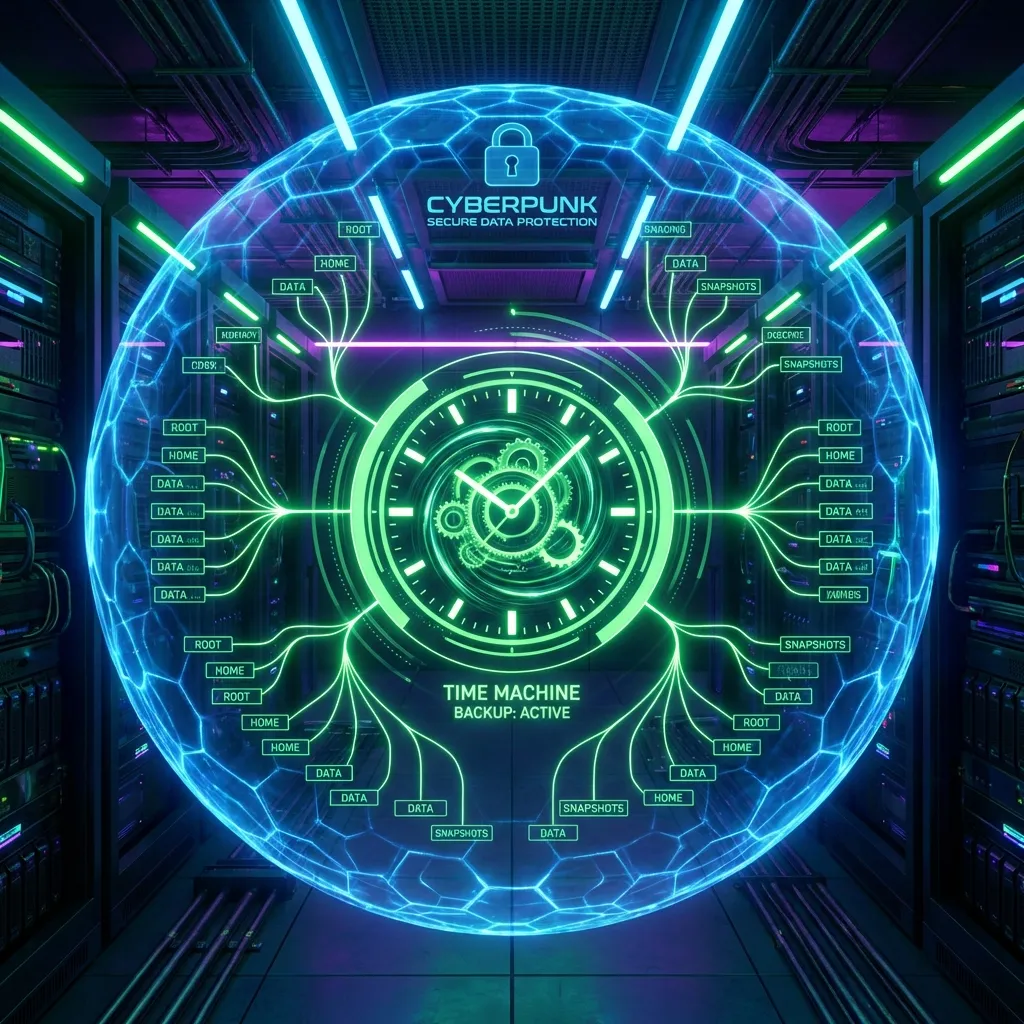
This is the “Time Machine” feature. If dnf update breaks my wifi, I can undo it instantly.
Step 2: Configuration Deep Dive
We need to create a config for the root filesystem.
sudo snapper -c root create-config /This generates /etc/snapper/configs/root.
I usually tweak this file immediately. By default, Snapper can be a bit aggressive with disk space (keeping 50% of your disk for snapshots!).
Here are the settings I change in /etc/snapper/configs/root:
# Prevent snapshots from eating the entire NVMe
SPACE_LIMIT="0.5"        # limit to 50% usually, I lower this to 0.2 (20%)
FREE_LIMIT="0.2"         # stop taking snapshots if less than 20% free

# Timeline cleanup - Keep it lean
TIMELINE_MIN_AGE="1800"
TIMELINE_LIMIT_HOURLY="5"   # Keep last 5 hours
TIMELINE_LIMIT_DAILY="7"    # Keep last 7 days
TIMELINE_LIMIT_WEEKLY="0"   # Don't care about weeks
TIMELINE_LIMIT_MONTHLY="0"  # Don't care about months
TIMELINE_LIMIT_YEARLY="0"
This configuration ensures I have a “Safety Net” for the immediate past (the last few days), but I’m not archiving the state of my OS from 3 years ago. If I need long-term backups, I use Restic to an external NAS, not local Btrfs snapshots.
Step 3: The First Snapshot
Let’s verify it works.
sudo snapper -c root create --description "Fresh Install Baseline"Now, list them:
$ sudo snapper -c root list
Type   | # | Pre # | Date | User | Cleanup | Description
-------+---+-------+------+------+---------+-----------------------
single | 0 |       |      | root |         | current
single | 1 |       | ...  | root |         | Fresh Install Baseline
Comparisons: Timeshift?
A lot of people ask: “Why not Timeshift?”
Timeshift is great. It has a nice GUI.
But Timeshift (in Btrfs mode) really wants a specific Ubuntu-style subvolume layout (@ and @home).
Fedora doesn’t use that layout.
To make Timeshift work on Fedora, you often have to rename your subvolumes and mess with /etc/fstab and the kernel command line parameters.
Snapper just works with whatever layout you present it (mostly).
Visualizing the Difference
If you want a GUI for Snapper, Btrfs Assistant is the new hotness. It separates the “Maintenance” (scrubs, balancing) from “Snapshots”.
But honestly, the CLI is fast.
snapper list. snapper diff 1..2.
You can see exactly which files changed between yesterday and today.
Recovery
The ultimate test.
If I delete /boot/vmlinuz-....
The system won’t boot.
With snapper-rollback (or snapper-tools extras), I can boot into a read-only snapshot from the GRUB menu, verify the system works, and then promote that snapshot to be the new read-write default.
It takes seconds. Reinstalling takes hours.
Conclusion
Fedora + Snapper is the closest I’ve felt to “Invincible Linux”.
I can muck around in /etc, try weird kernels, or install unstable drivers. If it breaks?
snapper undochange.
It’s not just a backup. It’s permission to experiment.